ManmaruAI

AI Visual Inspection Service

Inspect still images,then see what changed where

Automatically inspect an image file or a still image captured by a camera. Review the result, reason, and anomaly location on screen.
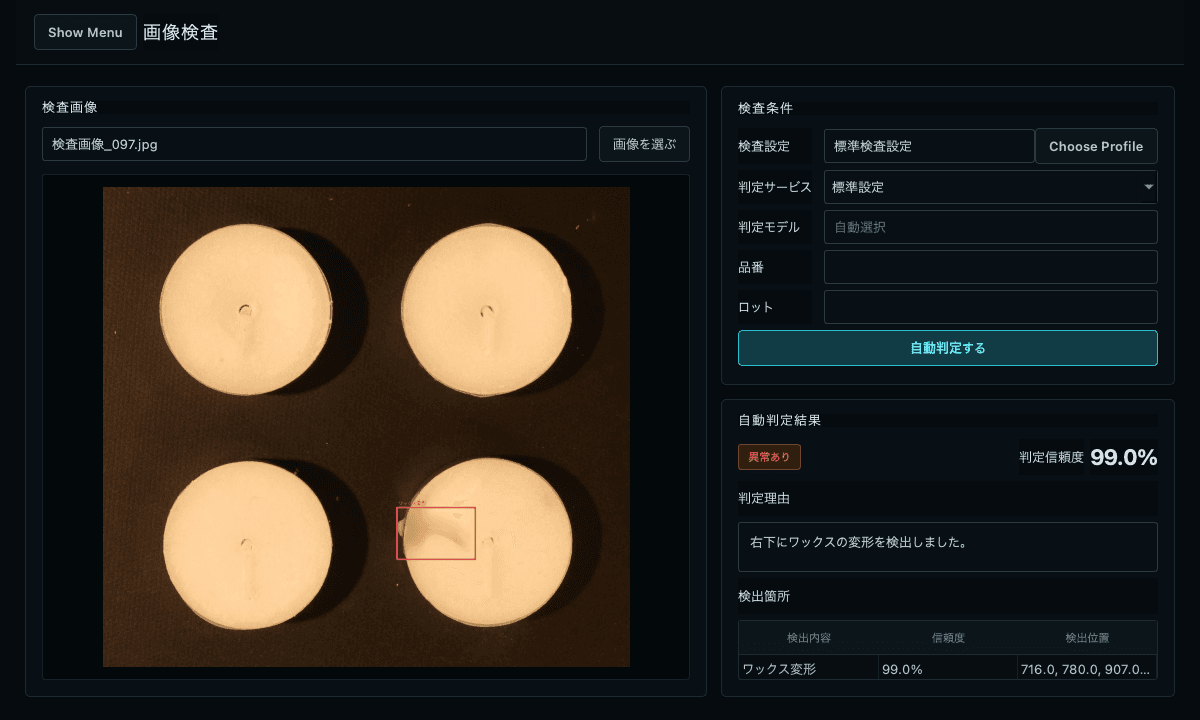
Actual inspection screen showing the result, reason, and anomaly location
Actual inspection screenWe configure the inspection; the result, reason, and anomaly location are displayed on screen.

01 / Overview

Inspect image files orcamera captures automatically

Choose an image file or capture a still image with a connected camera. The service evaluates it using settings tailored to the target and shooting conditions, then shows the result, reason, and anomaly location.

  1. 01

    Choose or capture an image

    Load the still image you want to inspect.

  2. 02

    Run the inspection

    Evaluate it with the configured inspection settings.

  3. 03

    Review the result

    See the result together with the reason and location.

Designed for teams that need to

  • 01

    Reduce variation between reviewers

  • 02

    Adapt judgment to the target and shooting conditions

  • 03

    See what is anomalous and where

  • 04

    Save inspection results

02 / Examples

Image inspection examples

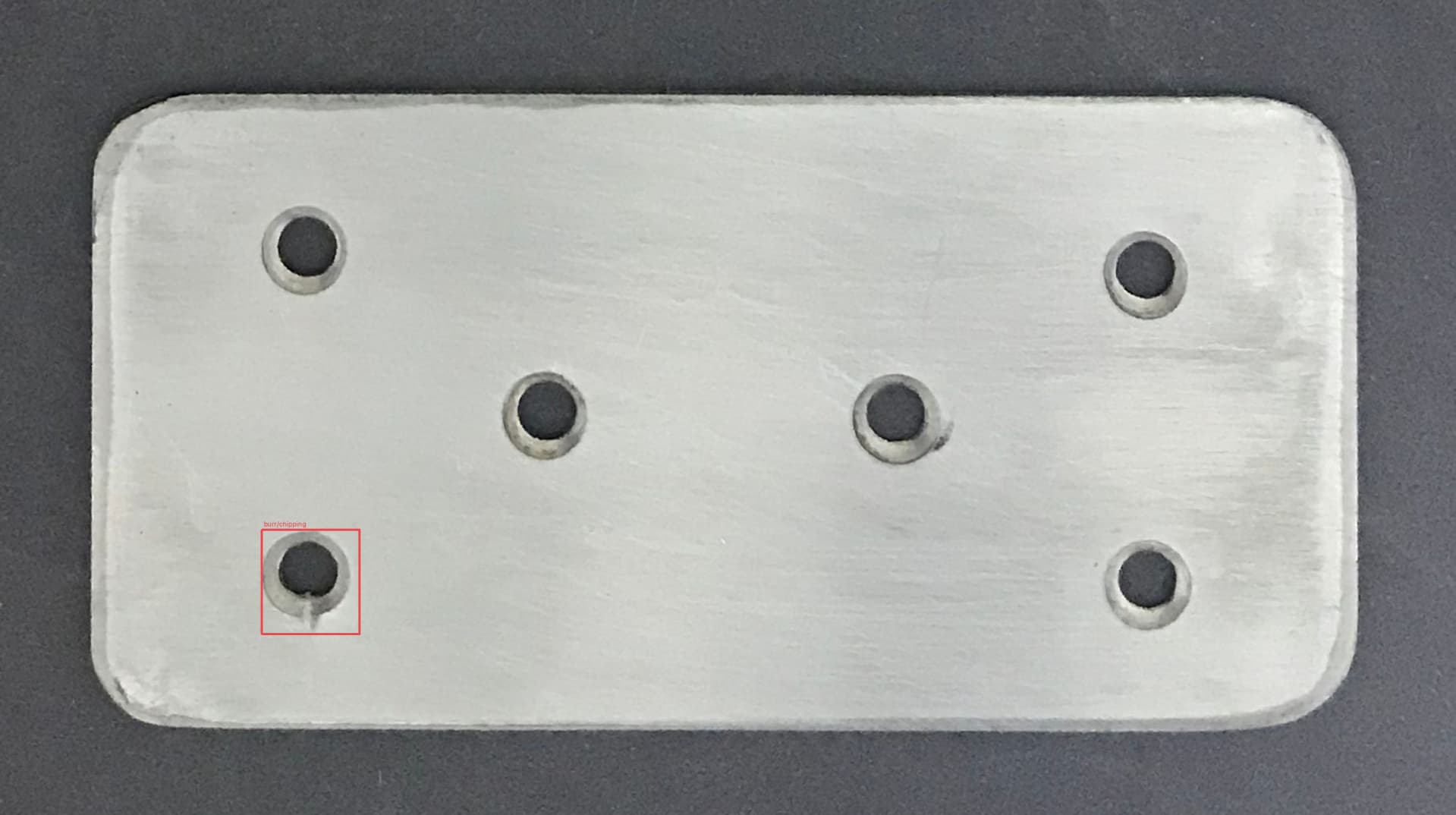
These examples show results produced by this service on public datasets. Each normal and anomalous pair shows the judgment and detected condition. Red boxes indicate anomaly locations output by the service.
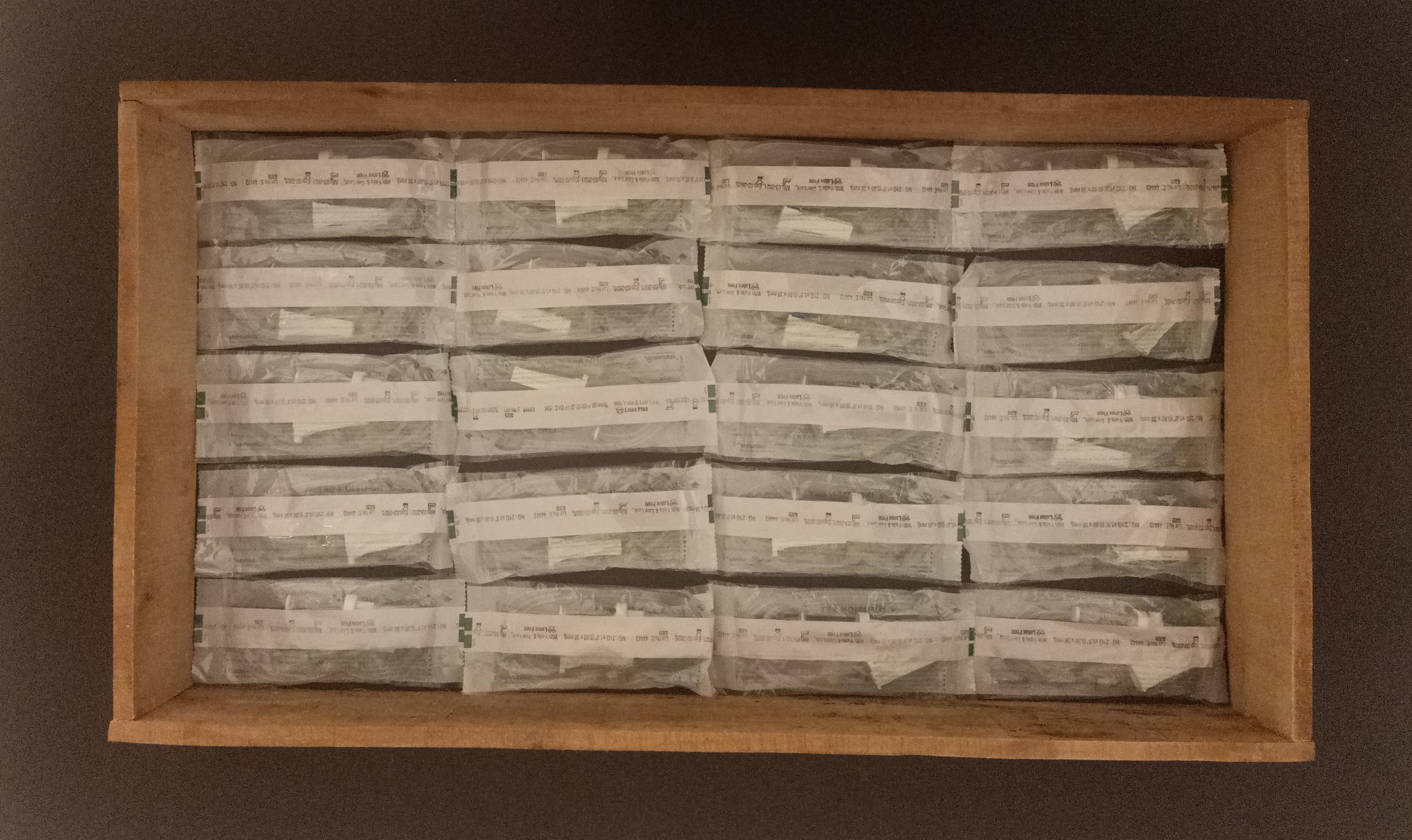
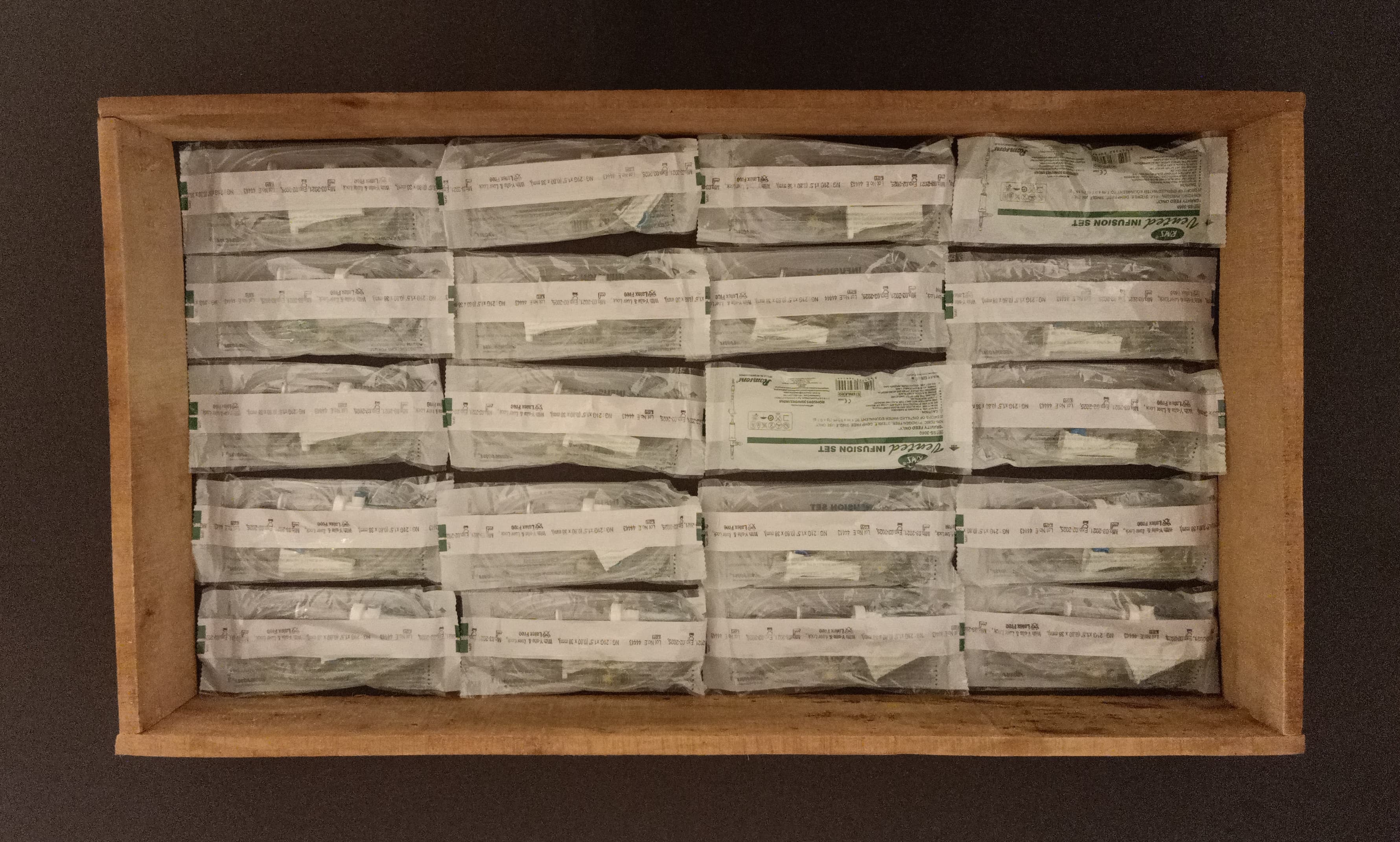
Packaging and products

Source: RobustAD
No anomaly
Packaging and products: No anomaly
No anomaly
Anomaly detected
Packaging and products: Orientation difference detected
Orientation difference detected
No anomaly
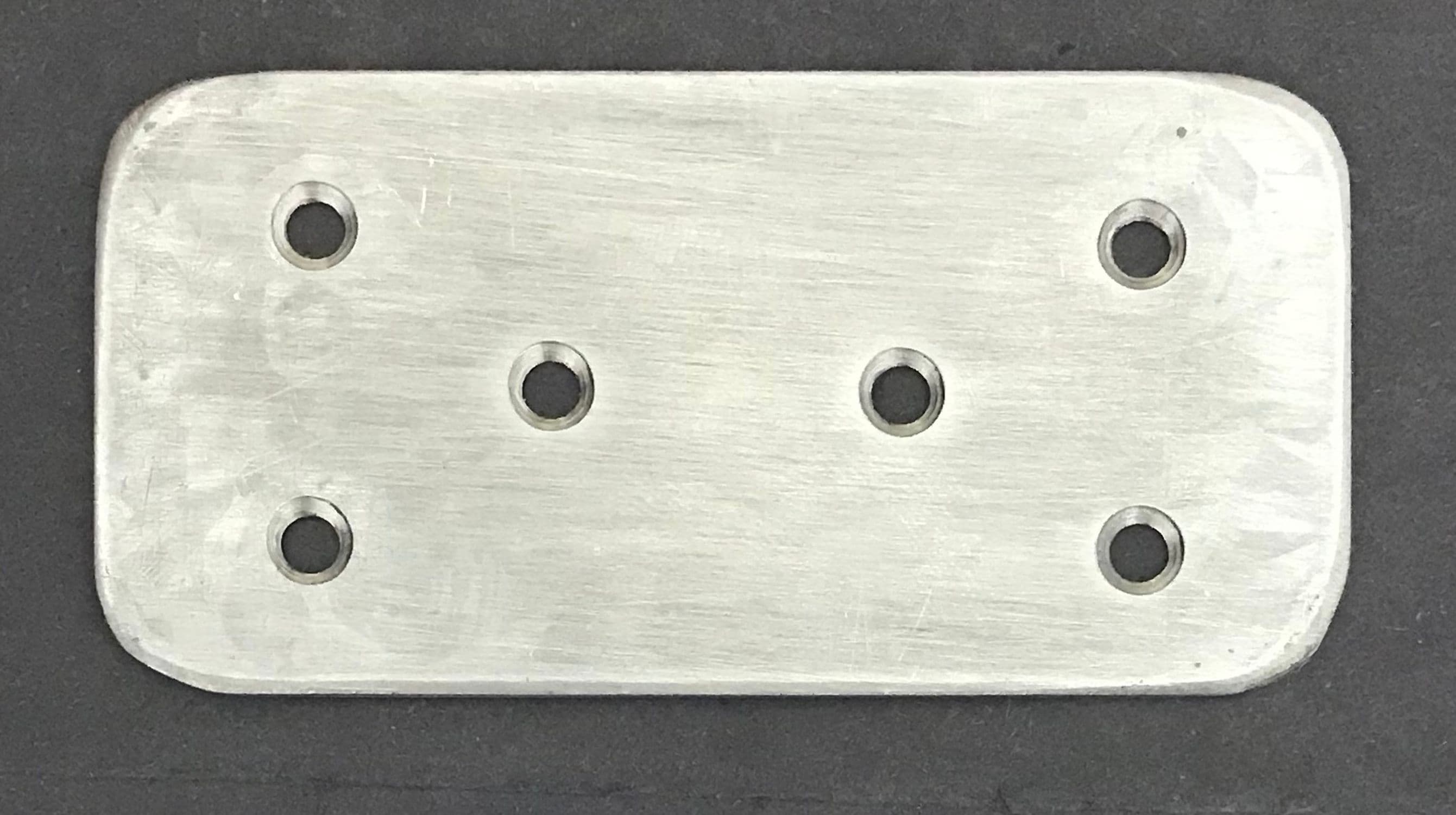
Metal part: No anomaly
No anomaly
Anomaly detected
Metal part: Chipping around a hole detected
Chipping around a hole detected

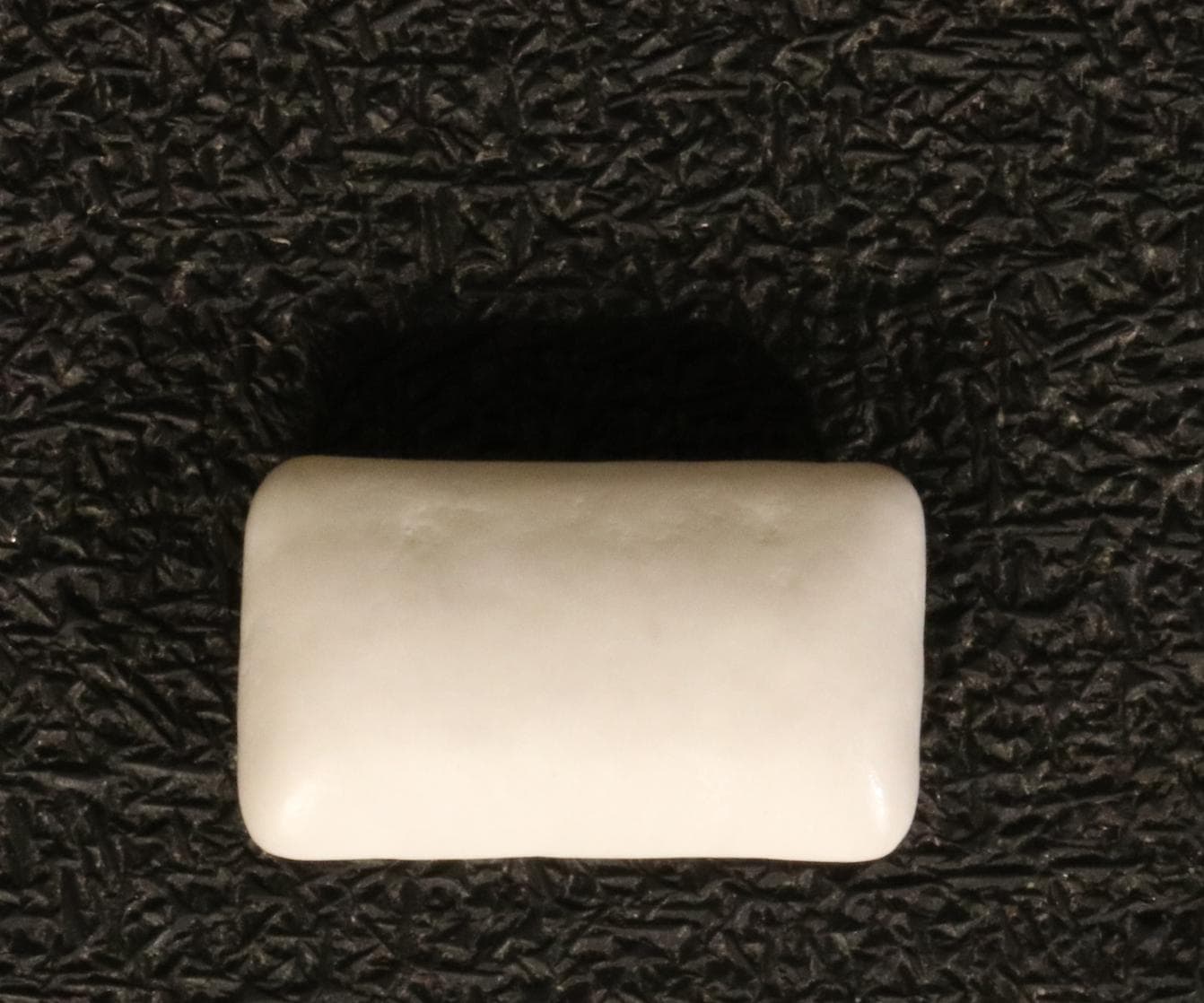
Food (chewing gum)

Source: VisA
No anomaly
Food (chewing gum): No anomaly
No anomaly
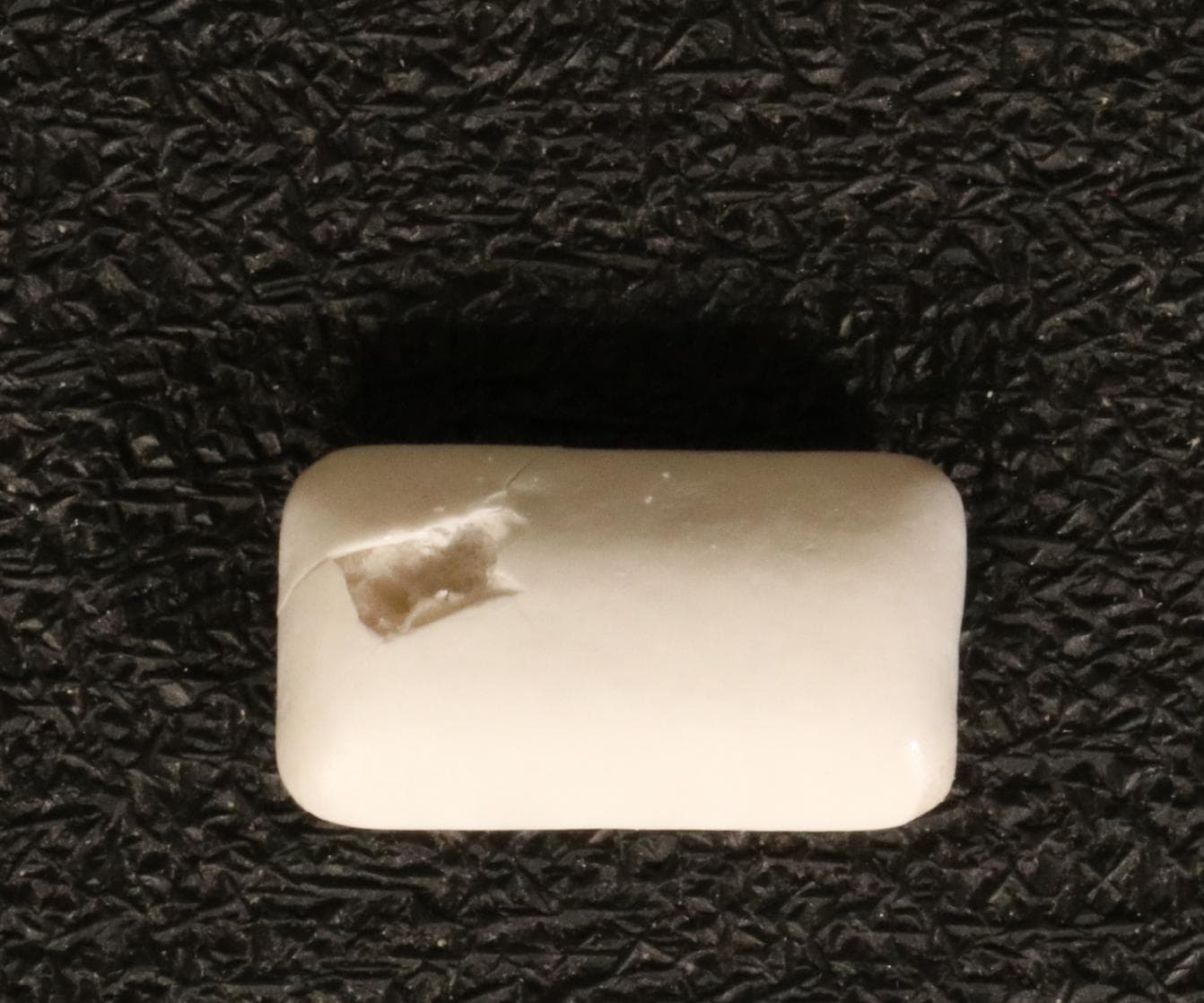
Anomaly detected
Food (chewing gum): Surface damage detected
Surface damage detected

Electronic component

Source: VisA
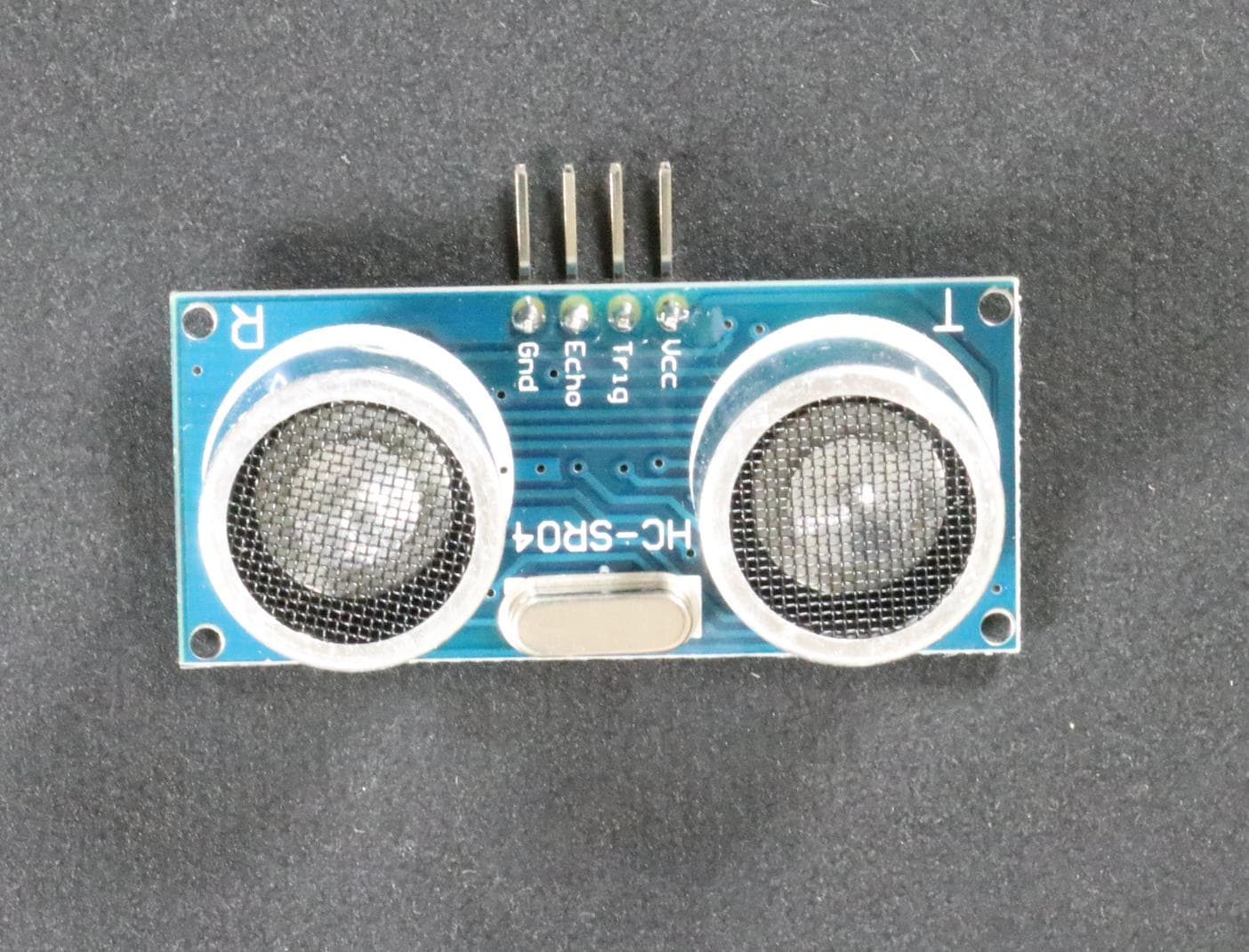
No anomaly
Electronic component: No anomaly
No anomaly
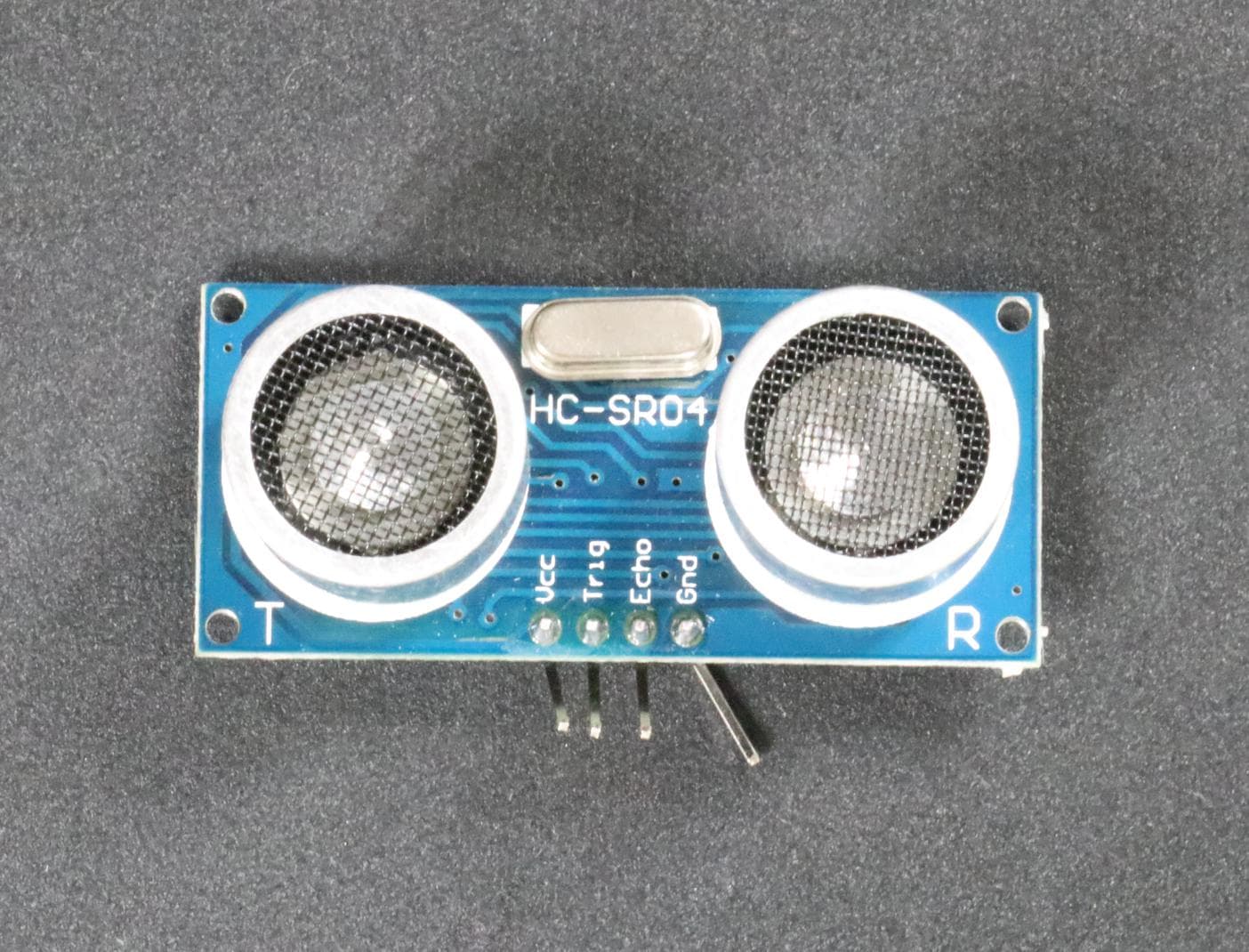
Anomaly detected
Electronic component: Bent pin detected
Bent pin detected

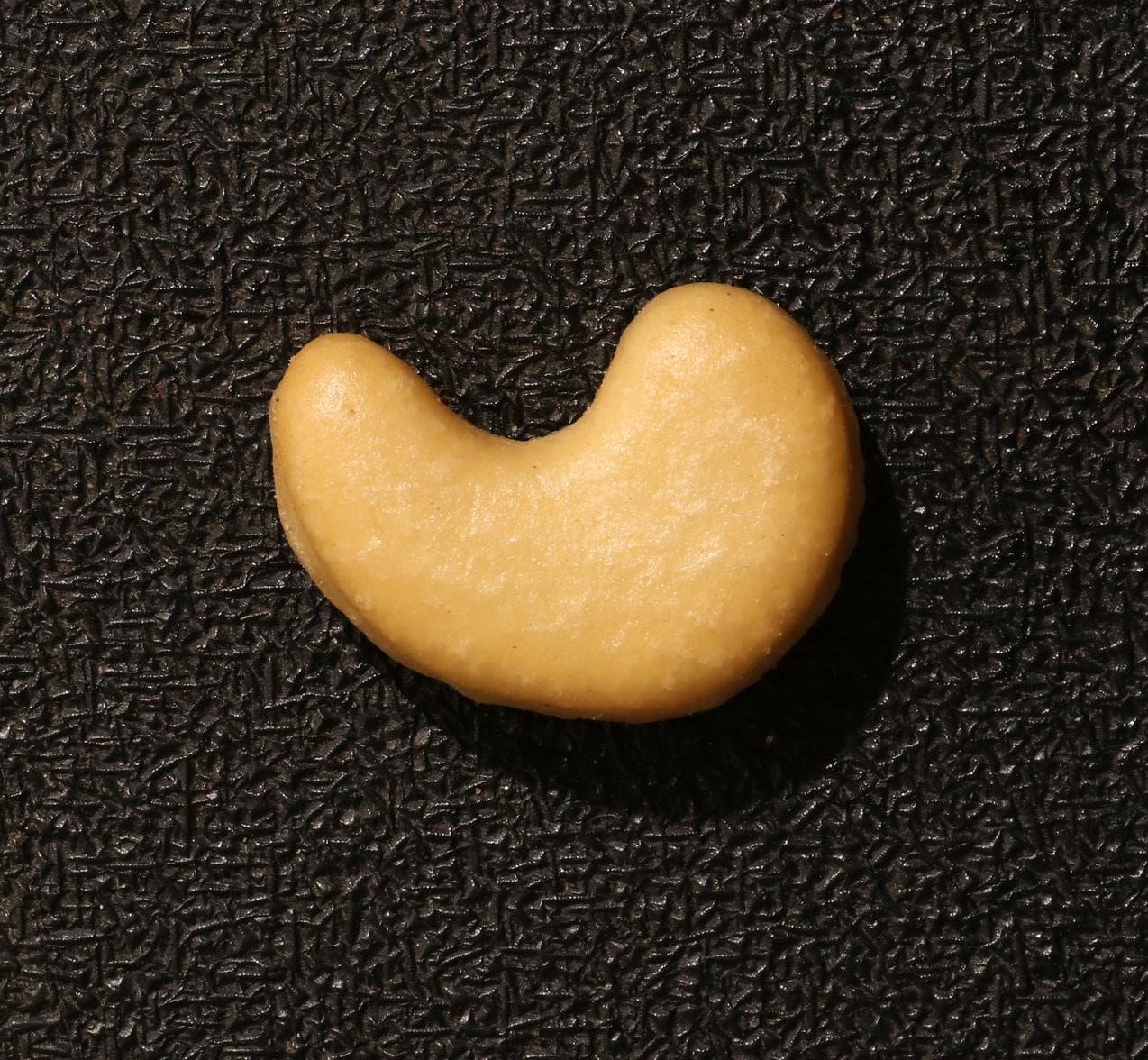
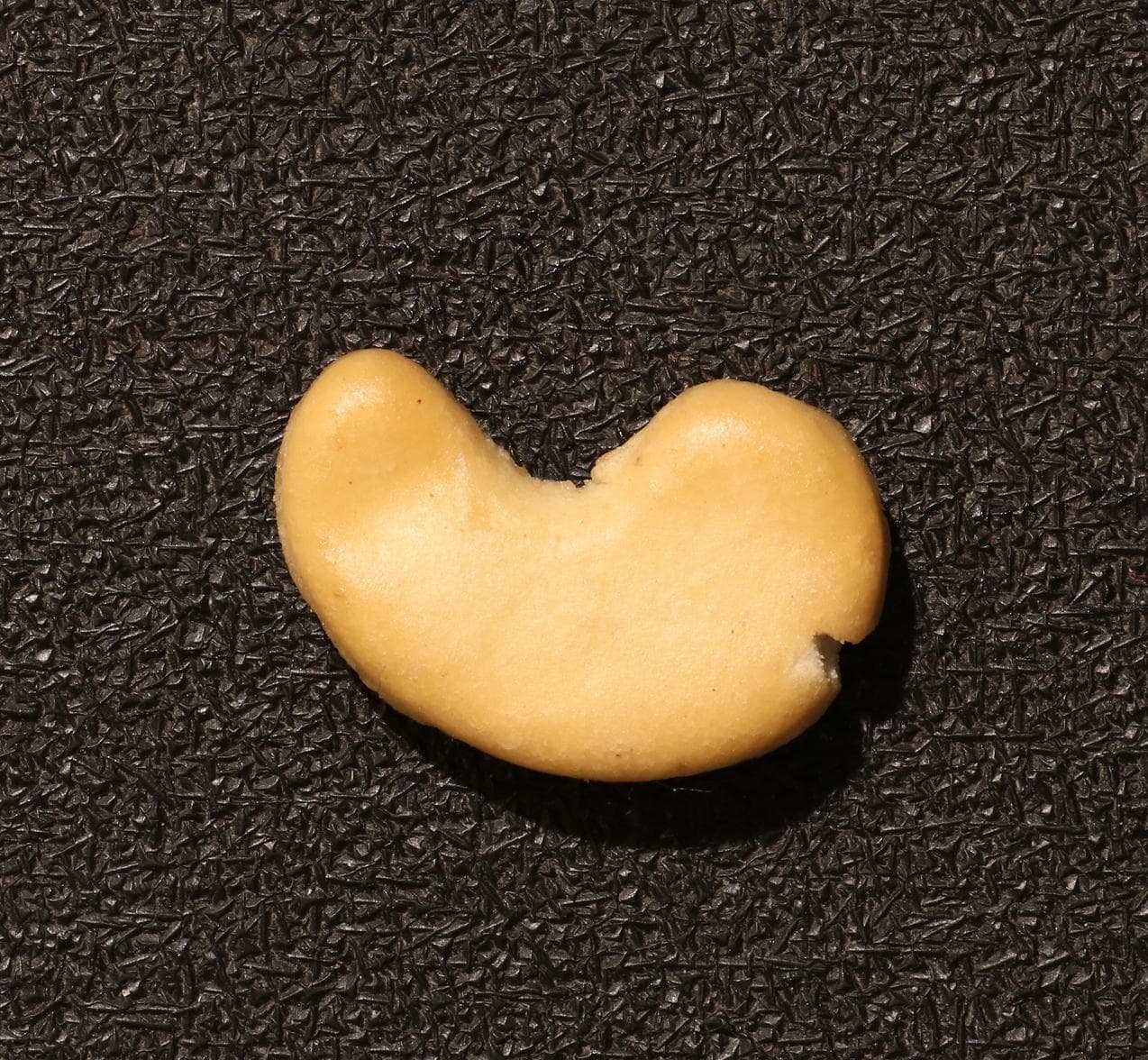
Food (cashew)

Source: VisA
No anomaly
Food (cashew): No anomaly
No anomaly
Anomaly detected
Food (cashew): Chip detected
Chip detected

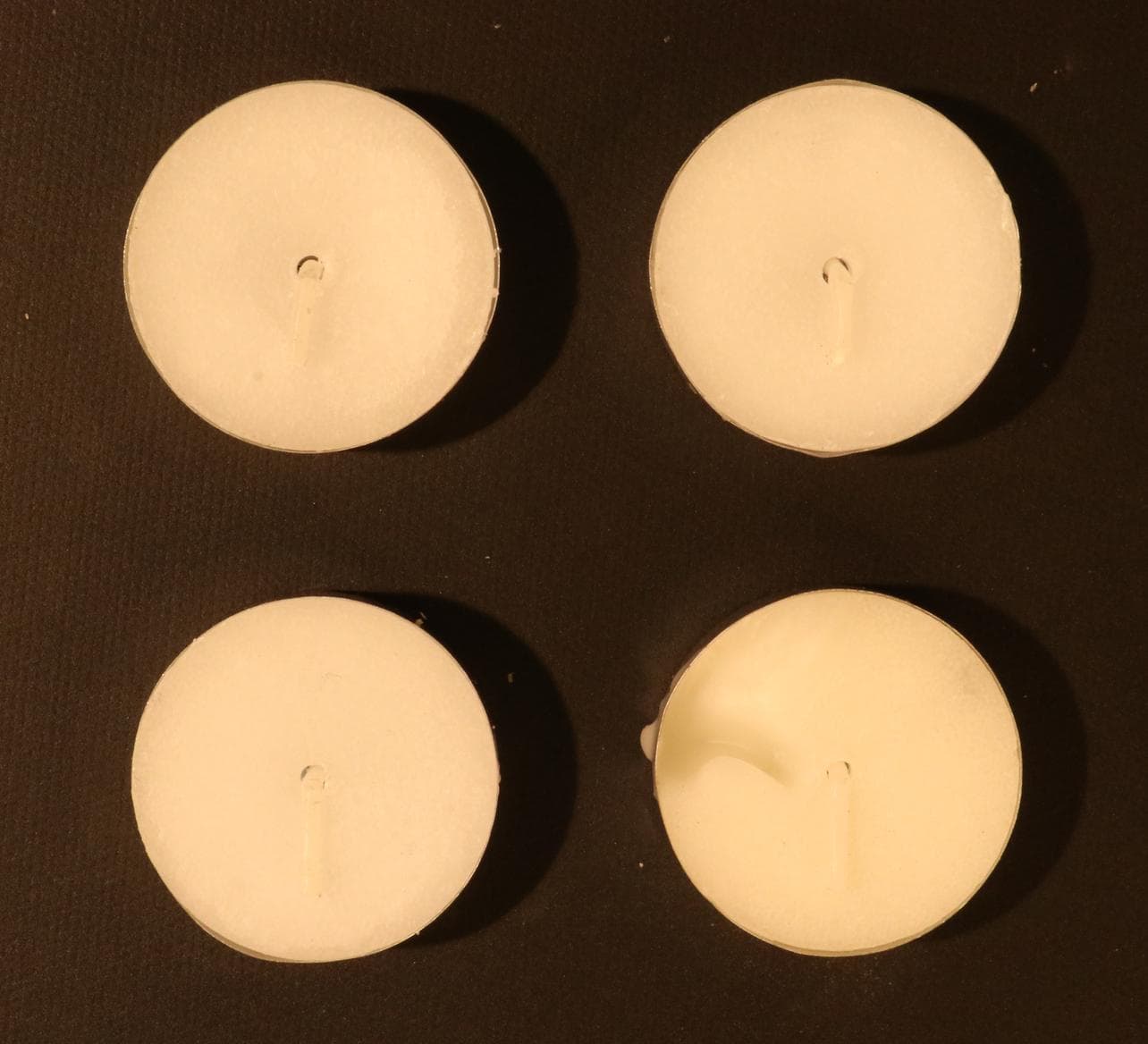
Daily goods (candle)

Source: VisA
No anomaly
Daily goods (candle): No anomaly
No anomaly
Anomaly detected
Daily goods (candle): Wax deformation detected
Wax deformation detected

03 / Evaluation

Evaluation on four public datasets

Public datasets combine evaluation images with ground truth. ManmaruAI conducted this evaluation; actual performance varies with the target images and shooting conditions.

Datasets used

VisA
Normal and anomalous examples across 12 objects in three domains, with anomaly-location ground truth.
RobustAD
Metal parts and packaged products photographed under varying lighting, orientation, and distance.
Concrete Crack
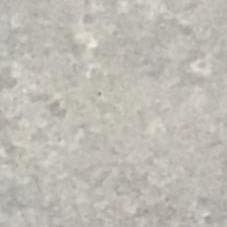
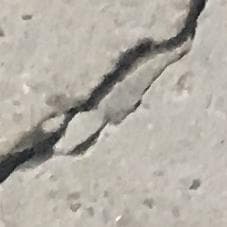
Concrete surfaces with and without cracks for evaluating building and equipment surfaces.
Plastic Bricks
Plastic parts with variations in color, shape, and fine surface damage.

Results by dataset

DatasetImagesCorrectAccuracyAverage judgment time
VisA480480100.0%3.9 sec
RobustAD605998.3%8.7 sec
Concrete Crack403792.5%3.0 sec
Plastic Bricks403485.0%4.7 sec
98.4%
All evaluation images classified correctly
610 / 620 images
99.0%
Anomalous images classified correctly
307 / 310 images
97.7%
Normal images classified correctly
303 / 310 images
4.4 sec / image
Average judgment time
Measured across 620 images

Conditions: equal numbers of normal and anomalous images were sampled from each dataset, with two reference images per target. Conducted August 2026.

Judgment time: measured from the start of image-file loading until the result was received. Capture time is excluded. Times vary with network and execution conditions.

Location: calculated only on VisA, which includes pixel-level ground truth. The output box overlapped the ground-truth region in 222 / 240 images (92.5%).

Sources: VisA / RobustAD / Concrete Crack Images / Plastic Bricks Fault Detection (all CC BY 4.0).

04 / Getting started

Deployment is finalized for the target images and operating conditions.

We review the target images and prepare the inspection settings before use begins. Complex integrations and special shooting conditions are assessed individually.

  1. 01

    Consultation and image review

    Share target images and inspection criteria so we can assess applicability.

  2. 02

    Initial configuration

    We adjust inspection and shooting settings; you review the results and workflow.

  3. 03

    Start using the service

    Begin inspecting still images and refine settings from operating results.

05 / Scope

Standard scope and custom options

Standard scope

  • Inspect image files on screen
  • Initial inspection configuration
  • Display results, reasons, and anomaly locations
  • Save inspection results

Custom options

  • API and batch-processing integration
  • Camera and existing-system integration
  • Advance review of special shooting conditions
  • Dedicated environment and data-handling design

What to prepare for a consultation

  1. 01Target images
  2. 02Definition of an anomalous condition
  3. 03Normal and anomalous examples, when available

AI Visual Inspection Service

Prepare your target images,then talk with us.

We will explain applicability and the right way to get started.
Contact us
Contact usDiscuss your project